
COLOUR
VISUALIZER try colours on your own photo

- Free to use
- Instant preview on your device
- Rooms and exteriors
- Free quotes
Upload a photo of a room or your house, tap the walls and try colours instantly, then see a realistic AI render of your choice.
Try it now
Tap a surface, pick a colour
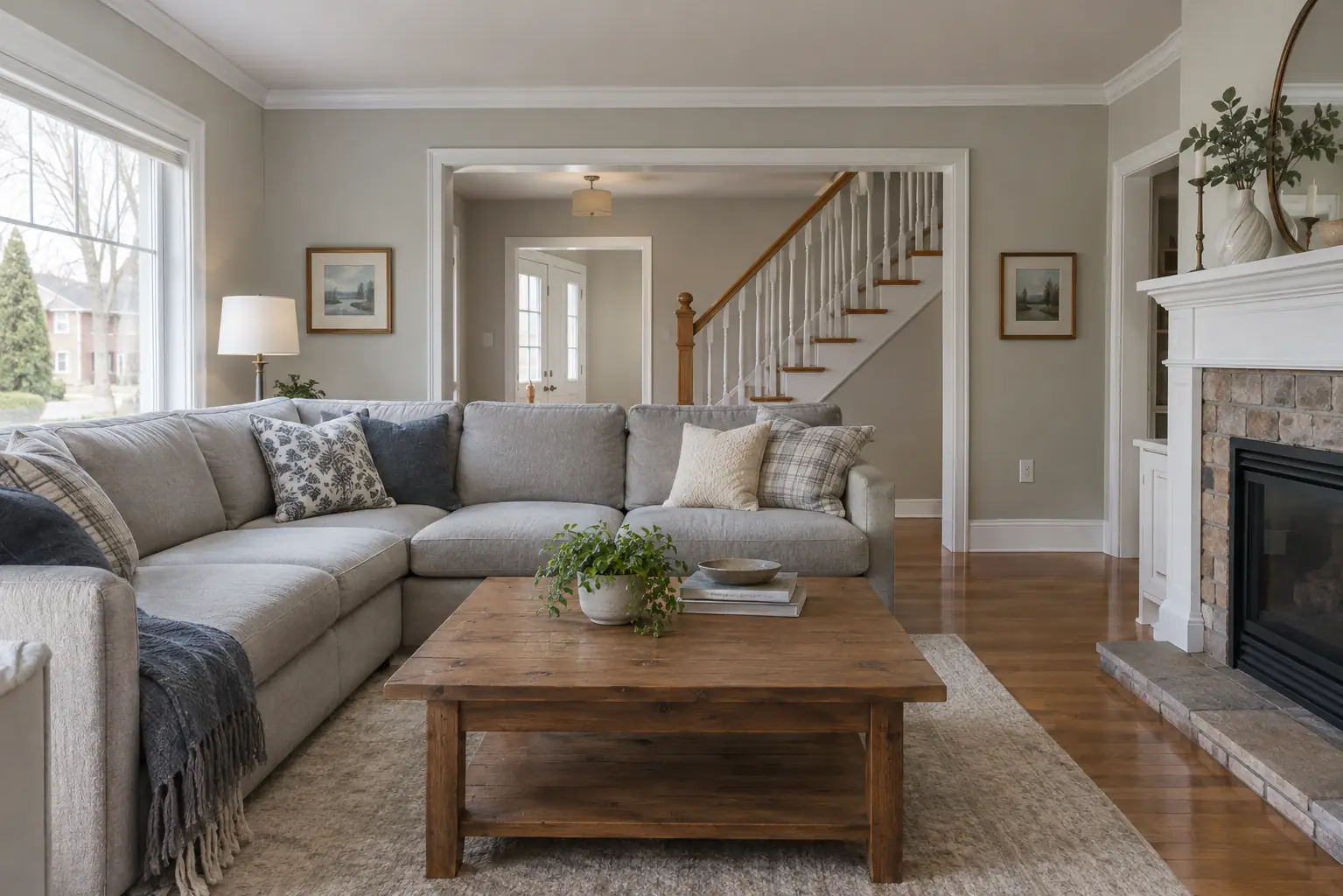
Pick a sample or your own photo, tap what you want painted, then try colours.
 AI render: walls in Sage green
AI render, colours are approximateAI render
Quick preview, edges are rough
AI render: walls in Sage green
AI render, colours are approximateAI render
Quick preview, edges are rough
Preparing the visualizer...
Start with a photo
A straight-on photo in daylight works best. JPG, PNG or HEIC.
Or try a sample photo
Your photo is processed on your device and is not uploaded, unless you ask for an AI render.
Surface
Colour
How it works
Photo, colour, render, quote
No sign-up and nothing to install. It works on phones and computers in a recent browser.
Start with a photo
Upload a photo of a room or the outside of your house, or use a sample photo. A straight-on shot in daylight works best.
Tap and try colours
Tap a wall and the instant preview paints it in the colour you pick. Edges are rough; it is made for trying many colours quickly.
See a realistic render
When you like a colour, ask for a realistic AI render: your room repainted properly, in about 1 to 2 minutes. Up to 3 a day, free.
Get a quote
Download the result, then ask for a free quote. Your colours are already in the message, so we can price the job and bring samples.
Is my photo uploaded anywhere?
Not for the instant preview: it runs in your browser and your photo stays on your device. If you choose See a realistic render, your photo and colour choices are sent to our AI partner, kie.ai, to create the render. The photo is kept on our server only while the render is made and is deleted within an hour.
What is the realistic render?
An optional AI render of your photo in the colours you chose, made in 1 to 2 minutes. It is a preview, not a promise: colours are approximate and small details can differ from your room. You can make 3 renders a day.
How accurate are the colours?
Treat it as a preview. Screens, lighting and the camera all change how a colour looks, and the names here are descriptive, not paint brand colours. Before you decide, we bring real samples so you can see the colour on your walls.
Which photos work best?
A sharp photo taken straight on in daylight, with the walls or siding clearly visible. Very dark photos, heavy shadows or walls mostly hidden behind furniture make selection harder. Narrow trim is easiest with Brush.
Why does it take a while the first time?
The first time you start, your browser downloads the visualizer: about 8 MB, plus about 7 MB more the first time you use your own photo. On a fast connection that takes a few seconds; on a slow mobile connection it can take a minute or more. After that it is kept on your device and starts much faster.
Will my photo still be there if I go to the quote form?
Yes, if you come back in the same browser tab: your photo, selections, colours and any AI render are restored. They are kept in this browser; your photo is only ever sent to us if you ask for an AI render.
Which browsers does it work in?
Recent versions of Chrome, Edge, Firefox and Safari (16.4 or newer) on phones, tablets and computers. Very old browsers show a short message instead.
What we paint
Every painting service we offer
Every job is quoted free and itemized in writing.
- Interior painting
- Exterior painting
- House painting
- Commercial painting
- Condominium painting
- Kitchen cabinet painting
- Staircase painting and staining
- Wallpaper installation and removal
- Drywall repairs
- Aluminum siding painting
- Exterior brick painting
- Front door refinishing
- Deck and fence staining
- Floor refinishing
- Epoxy and waterproofing
- Popcorn ceiling removal
Free quotes across the GTA
Found a colour you like?
Tell us about the space. Quotes are free and there is no pressure to book.